You enrolled — welcome to IvyBright. Here is exactly what happens next, step by step.
Step 1 — Your student account
Your course lives in our online classroom (Moodle). Sign in with the same email address you used at checkout:
Student login: https://ivybright.org/lms/
If you are new, your account is created from your enrollment — use the email from your order confirmation to sign in or set your password from the login page.
Step 2 — Find your course
After signing in, your dashboard shows the course (or courses) you are enrolled in. Click your course name to enter it.
Step 3 — Start the right way
- Self-paced courses (Marketing Innovation and Strategy, Consumer Behavior): begin with the “Start Here” / Welcome page inside the course. Lessons unlock in order as you complete them, so you always know what comes next. Study any time — there is no schedule to keep up with.
- Live, instructor-led courses (CompTIA Security+ Boot Camp, Introduction to Cybersecurity): your course page inside the classroom shows your session schedule. For the Security+ Boot Camp, live sessions run Saturdays and Sundays, 10:00 AM – 12:00 PM Pacific Time, December 12, 2026 – January 10, 2027. Your instructor will post the live-session join link inside the course before the first session.
Step 4 — Learn, practice, check yourself
Each week combines short lessons with practice: readings, discussions, quizzes, and hands-on activities, depending on your course. Your progress is saved automatically — leave and come back any time, and you will pick up where you left off.
Step 5 — Earn your certificate
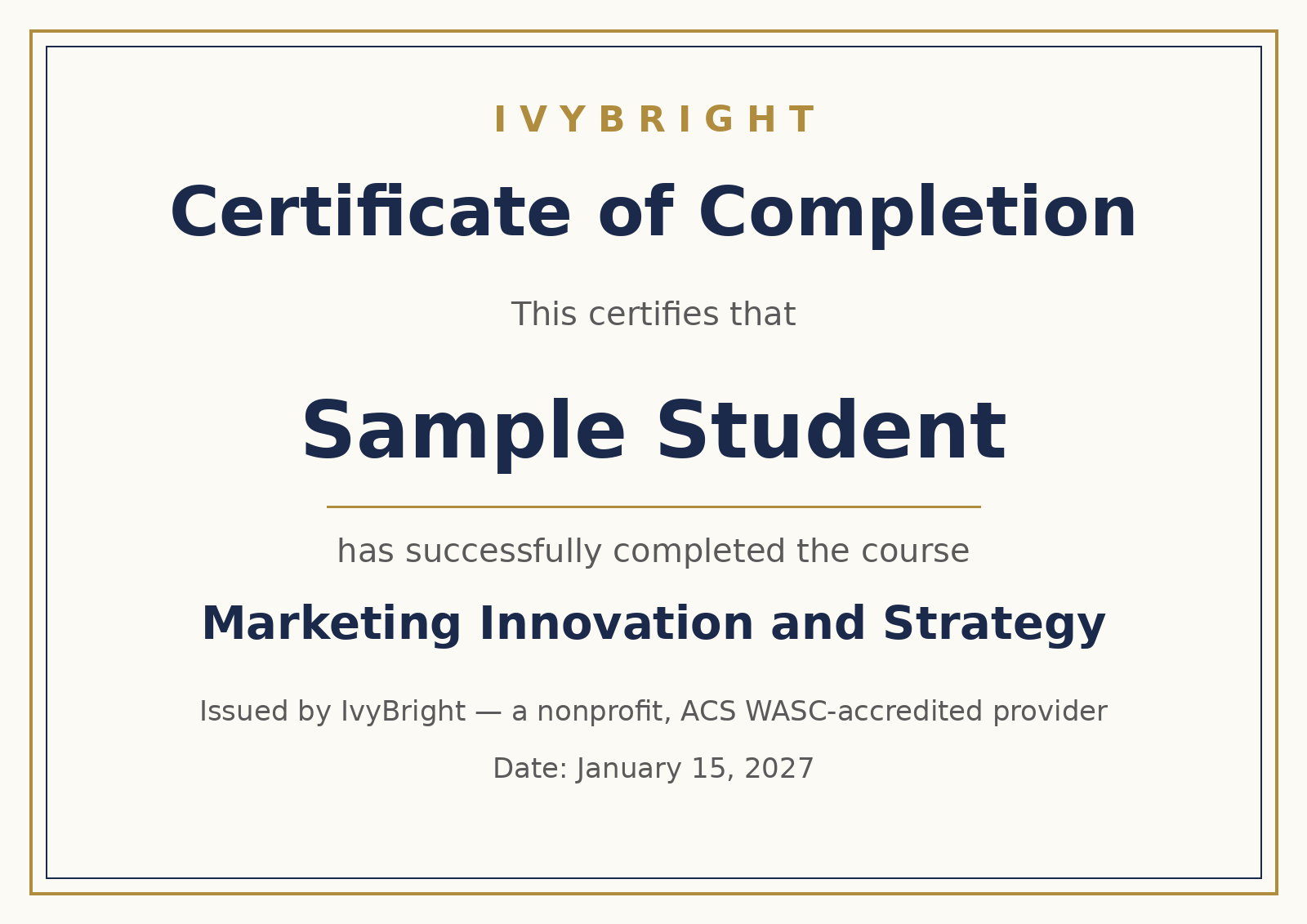
When you complete your course’s requirements, your Certificate of Completion is issued inside the course with your name on it, ready to download and share. (For the CompTIA Security+ Boot Camp, the course prepares you for CompTIA’s SY0-701 certification exam, including practice exams along the way.)
Need help?
Email us at ib@ivybright.org or call 858-245-4455. If you are having trouble signing in before a live session, email us right away and we will get you in.